
Schedule your ride
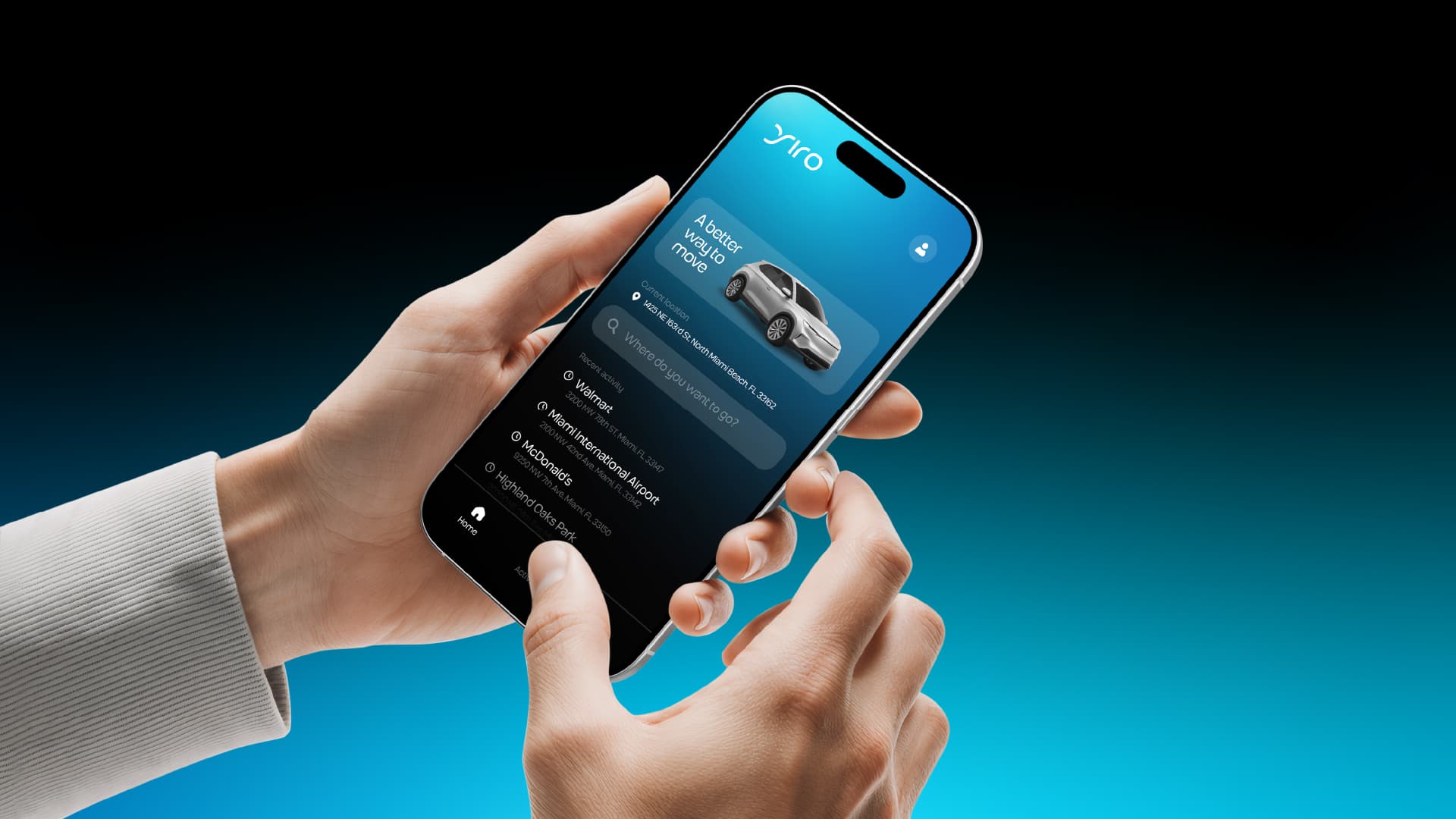
How you get there is up to you
Explore our options
YIRO
Standard ride
Everyday rides with clear pricing and verified drivers.
YIRO Black
Premium / Black
High-end vehicles for meetings, airport trips, and special plans.
YIRO Pet
YIRO Pet
Ride with your pet in a simple, comfortable, prepared option.
YIRO Wheelchair
Accessible
Adapted ride option for passengers with reduced mobility, based on availability.

Drive and earn with YIRO
Drive on your schedule with a platform built to help you work better.
Want to earn income with your vehicle?
Become a YIRO driverFrequently asked questions
How YIRO works
How do I request a ride with YIRO?
Download the app, create your account, enter your destination and confirm your pickup point. The app shows you the estimated price before you confirm and matches you with a nearby driver within minutes.
Where is YIRO available?
We currently operate in the Miami area. We are expanding coverage progressively; if your area is not available in the app yet, you can leave your contact details and we will let you know as soon as we launch there.
Can I schedule a ride in advance?
Yes, you can book your ride by choosing a date and time in the app, and we will assign an available driver for that time slot.
Fares and payments
How is the price of my ride calculated?
The price is calculated based on the distance and estimated time of the trip. You always see the estimated price before confirming your ride, with no surprises at the end.
What payment methods does YIRO accept?
You can pay with a credit or debit card saved in the app. The charge is processed automatically when your ride ends.
Do I have to tip my driver?
Tipping is optional. You can add a tip in the app after each ride if you want to recognize your driver's service.
How do I use a promo or discount code?
Enter the code in the “Promotions” section of the app before confirming your ride. The discount is applied automatically to the final amount if the code is still valid.
Safety
What safety measures does YIRO have?
Every driver passes background and identity verification before being activated. In addition, each ride is tracked by GPS in real time and you can share your live location with a trusted contact from the app.
What do I do if I have an emergency during a ride?
The app has an emergency button that connects you quickly with assistance. In a real emergency, call 911 first and then report the incident in the app.
How can I check that I got into the right vehicle?
Before getting in, confirm the driver's name, photo, vehicle model and license plate in the app, and compare them with the car stopping in front of you.
Cancellations and lost items
Can I cancel a ride? Is there a fee?
You can cancel from the app at any time. Cancelling within the first few minutes after requesting your ride is free; after that a cancellation fee may apply, which you will see in the app before confirming.
I left something in the vehicle, what should I do?
Go to your ride history in the app, select the relevant ride and use the “Lost item” option to contact the driver directly.
Account and support
How do I contact YIRO support?
You can write to us from the help section inside the app, where you will find the contact options available for your request.
How do I delete my YIRO account?
You can request account deletion from the app settings, under “Delete account”, or by contacting support.